




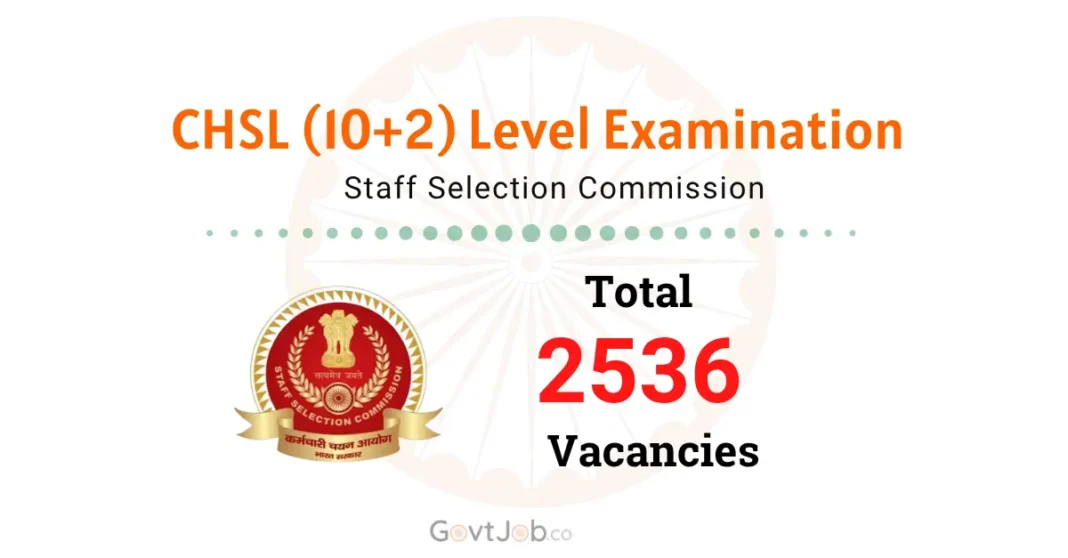
The Staff Selection Commission (SSC) has invited applications for SSC CHSL Recruitment 2026, announcing 2536 Vacancies for Lower Division Clerk/Junior Secretariat Assistant & Data Entry Operator in various Central Government departments. The apply link is available at the bottom of the page.
| Start Date | 07th September 2026 |
| Last Date | 07th October 2026 |
| Post Name | LDC/ JSA/ DEO |
| Vacancy | 2536 |
| Eligibility | Intermediate (10+2) |
| Age | 18 – 27 years |
| Fee | ₹ 100/- (for gen cat) |
| Exam Stage | Tier I, Tier II |
| Exam Date Tier I (CBT) | To be notified later |
| Exam Date Tier II (CBT) | To be notified later |
| Official Website | ssc.gov.in |
| Apply Click | |
| Quick Links Click | |
Note: Notification Date 07.09.2026
SSC CHSL Exam 2026: Important Dates
Eligible applicants can apply online for the recruitment of 2536 vacancies for the posts of Lower Division Clerk/ Junior Secretariat Assistant & Data Entry Operator in various departments of the Central Government of India. Through the Staff Selection Commission (SSC) 2026. The online application has started on 07th September 2026 on the official website of the Staff Selection Commission. The last date for the application, as per the notification of SSC-2026, is 07th October 2026.
• Last date for making online application fee payment is 08th October 2026.
• Applicants are advised to apply before the last date, as the server may have some technical issues due to a lot of traffic on the last date of the application.
• Application forms submitted only may be downloaded/printed up to 16th October 2026, till 23:59 hrs.
SSC CHSL Exam 2026 Educational Qualification
Data Entry Operator (DEO)/ DEO Grade ‘A’:
• Candidates must have passed 12th (Intermediate) Standard in Science Stream with Mathematics as a subject from a recognized Board. (in the Ministry of Consumer Affairs, Food & Public Distribution and the Ministry of Culture).
LDC/ JSA and all other DEO:
• Candidates must have passed 12th (Intermediate) Standard from a recognized Board.
SSC CHSL Exam 2026: Age Limit (as on 01.08.2026):
| Category | Min. Age | Max. Age |
| General | 18 years | 27 years |
| OBC | 18 years | 30 years |
| SC/ST | 18 years | 32 years |
| PwBD | 18 years | 37 years |
◦ Age relaxation under the Guidelines of the Staff Selection Commission CHSL Recruitment 2026.
SSC CHSL Exam 2026 Application Fee / How to pay
The applicant pays the application fee online only using a debit card/ Credit card/ Net banking. “FEE ONCE PAID SHALL NOT BE REFUNDED”
| Category | Fee |
| General/OBC/EWS | ₹ 100/- |
| SC/ST PWBD/All Female | Nil |
| Correction fee 1st time | ₹ 200/- |
| Correction fee 2nd time | ₹ 500/- |
SSC CHSL Exam 2026: Selection Process
• Tier I – Screening Stage.
• Tier II – Merit Stage.
• Skill Test/ Typing Test.
• Document Verification.
Quick Links
Photo & Sign:
| Documents Name | Documents Size | Format |
| Photo (Colour) | 20kb to 50kb | JPEG Only |
| Signature (Black Ink pen) | 10kb to 20kb | JPEG Only |
How to Apply for SSC CHSL Examination 2026
Step 01: Visit the official website of the Staff Selection Commission (SSC). https://ssc.gov.in/
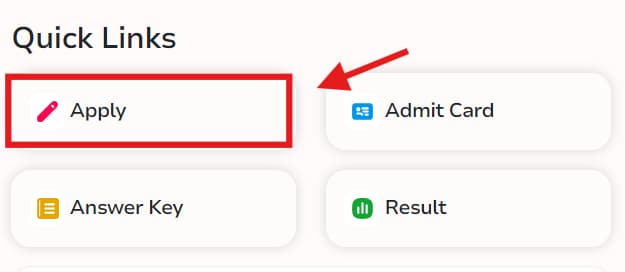
Step 02: Click on the link ‘Apply.’ It will lead to a new website.
Step 03: If you have not registered before, click on “Register now”, if you have registered yourself before then click on “Login”.
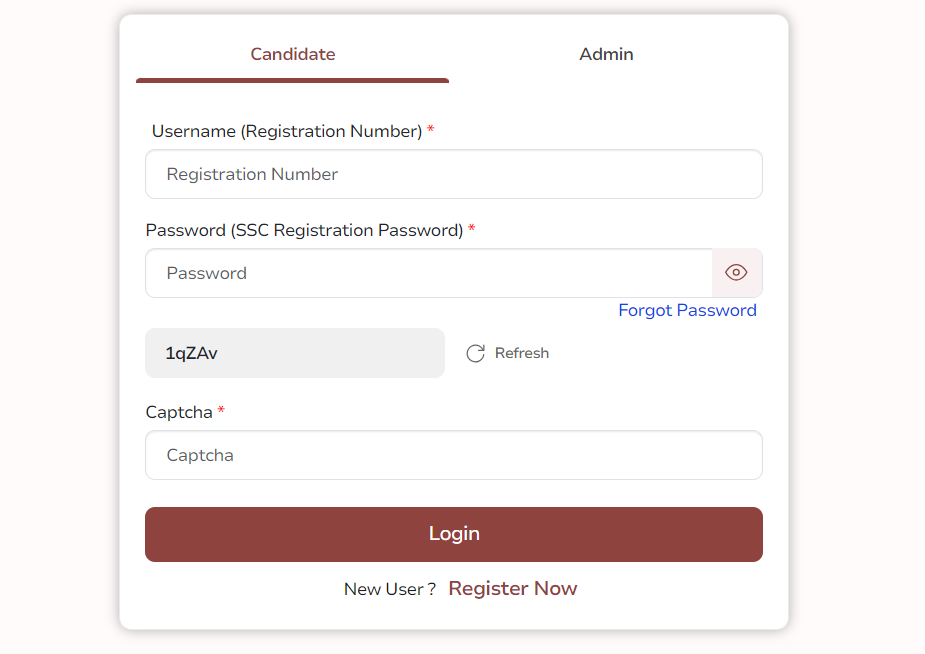
Step 04: After filling the form properly, click on the “Submit” button. Login ID and Password will be generated and will be send to the registered e-mail ID and mobile number. Please note down the Login ID and Password for future reference.
Step 05: To upload a photo & sign, candidates must login using their Login ID and Password. Check the size of the photo & sign.
Step 06: Next, make the payment using the available options. Check the application fee.
Step 07: Please preview the application form and check all the information you have filled/entered before final submission, as after submitting the form in this step, the candidate will not be able to edit/modify the application form.
Step 08: After submitting the application in Step 07, candidates are required to take a printout of the application form. Click on “Application printout/reprint”. Check the last date to print the application.

